
Available
Fire and smokefrom EUR 2,900
89 clips, 10,822 annotated frames. Smoke and fire, plus steam and fog as false alarm look-alikes.Xentim does not just see objects. It understands what is happening in the frame: it checks every alarm before a person sees it, describes the event in a plain sentence and drafts the report. You ask your footage questions the way you would ask a colleague. All of it locally, on the cameras you already have.
Built for those who have cameras but no time to watch them
Boxes around people and cars are only the start. A second model checks every alarm and says in words what is really there.
See how it worksOur own footage, processed by Xentim. Faces and number plates blurred automatically.
Cameras have drawn boxes around people and cars for a decade. New vision language models can do more: understand the scene, judge an alarm and describe an event in words. Xentim does this locally, on your cameras.
A fast detector tracks every object, and a vision language model judges what matters. The result is a system that filters out false alarms, answers questions and writes reports.
Movement in a zone triggers an alarm. Within the same second a local model looks at the frame, checks whether the box really holds what was reported and adds a one sentence description. Alarms judged false can be held back entirely. The check takes under a second, and the alarm goes to e-mail, Telegram or a monitoring centre, just like from an alarm panel (SIA DC-09).
A person in a green hoodie walks along the garages.checked in 0.6 s, locally
The box holds a cat, not a person. The alarm was not sent.checked in 0.6 s, locally
The box covers headlights in the rain. Hard to judge, so the alarm goes to the operator.checked in 0.6 s, locally
Example verdicts. The first comes from our demo installation, the other two are illustrative.
You do not set a time or a camera number. You describe the event in a plain sentence, and the system shows the matching clips, best match first. Click an example or wait for it to change by itself.
Any alarm or any passage becomes a draft report: the sequence with times, frames from the footage with faces blurred, the object's track and a written description. The operator edits the description, approves it and sends it to the client, the insurer or the police as a PDF or an e-mail.
A person in a green hoodie spends about 7 minutes by the garages in the courtyard, then leaves the frame.
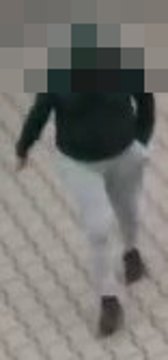
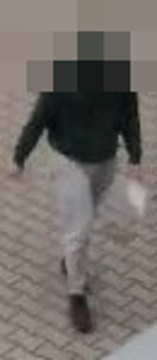

Illustrative example using frames from our demo installation.
The system tells apart people, passenger cars, vans, trucks, buses, trams, bicycles and wheelchairs. Every moving object gets a box, a type, a colour and a track line, while parked cars are only outlined. The faces and number plates in these recordings were blurred by the system itself.
Detectors learn from millions of photos of people and cars, but they almost never see smoke at night, a fall on a platform or a fight at an entrance. We produce that footage ourselves: synthetic scenes with every frame fully labelled, with no real people and no personal data. Teams that train their own models buy them.
Entirely computer-generated data. Perpetual, non-exclusive licence for recognition models. Bundle of the three skeleton datasets: 25% off.
Six sectors, six concrete situations. Each piece shows what happens on site and what video analysis changes.
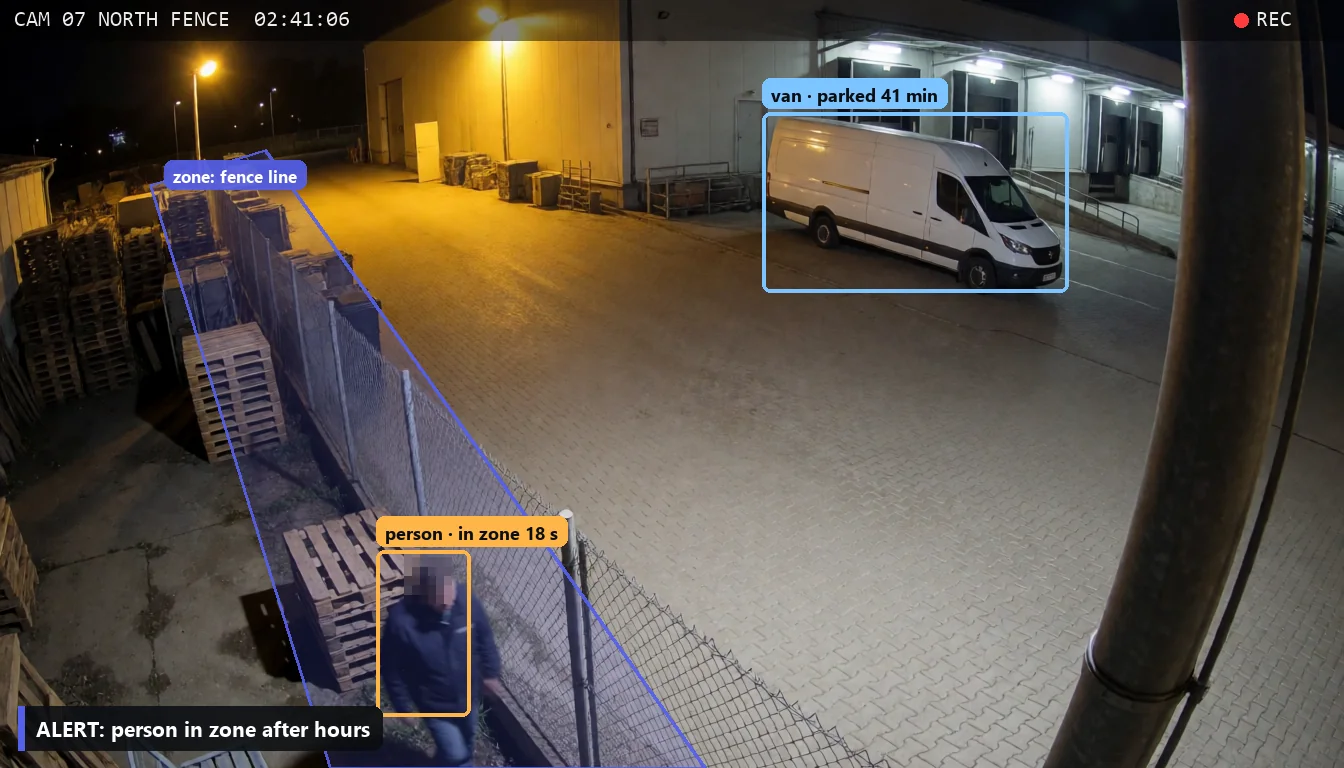
An alert when someone is at the fence after hours, and shorter truck waits at the docks.
Read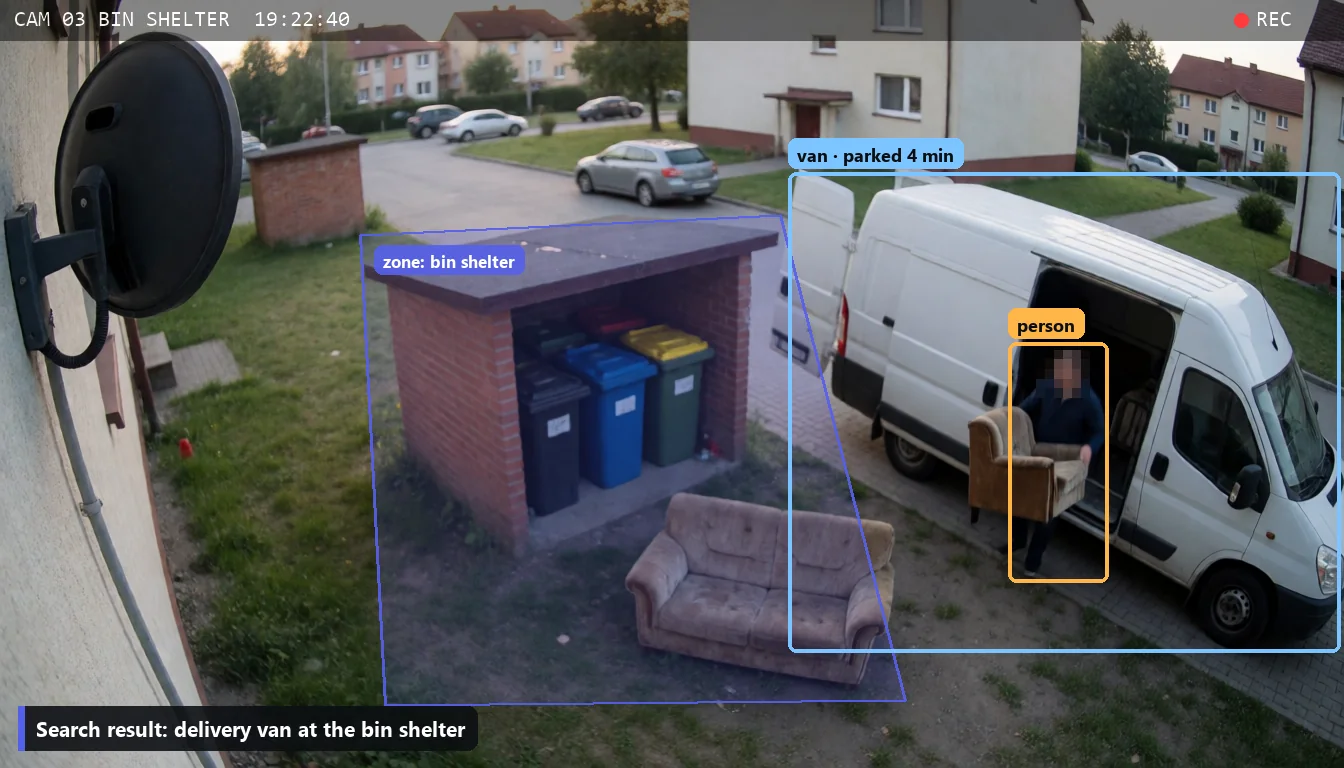
Who dumped the bulky waste, whether the bin lorry came, who blocked the fire lane.
Read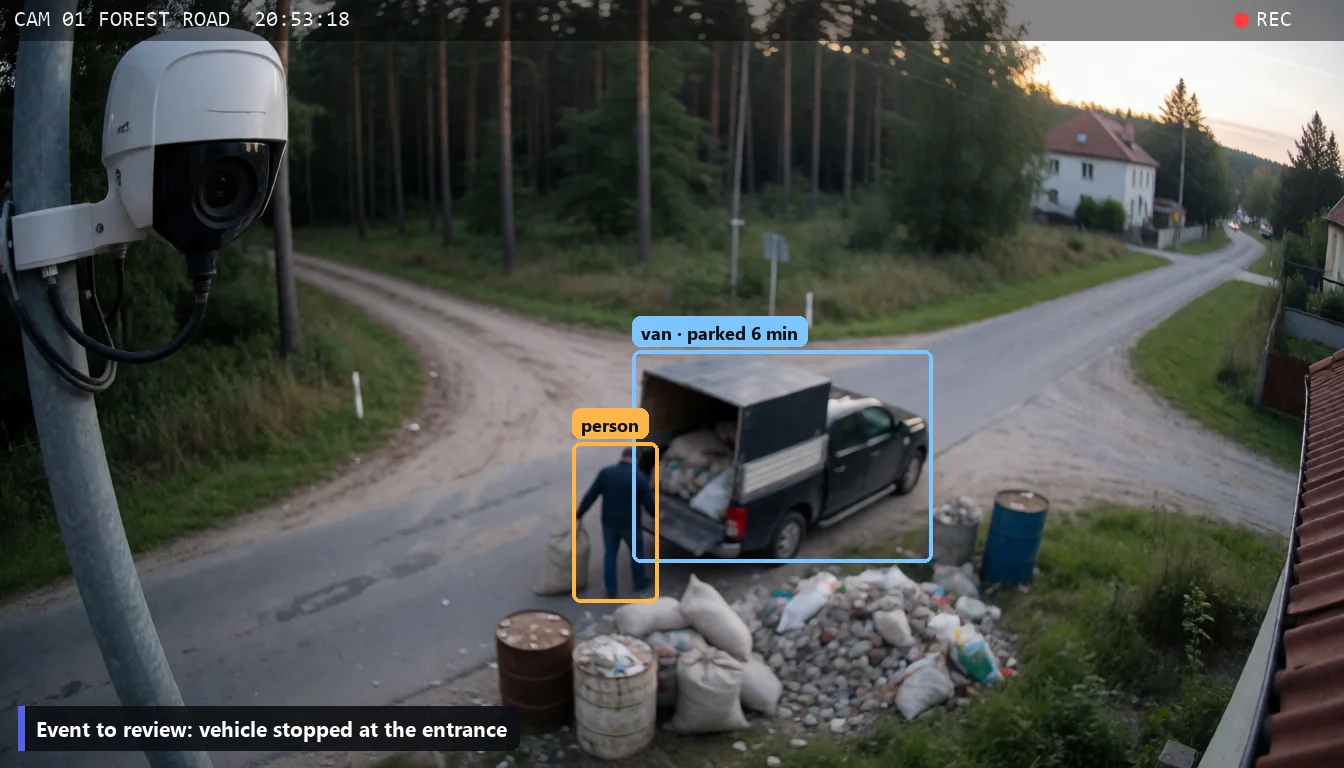
Illegal dumping and disputed collections. The culprit without scrubbing through footage.
Read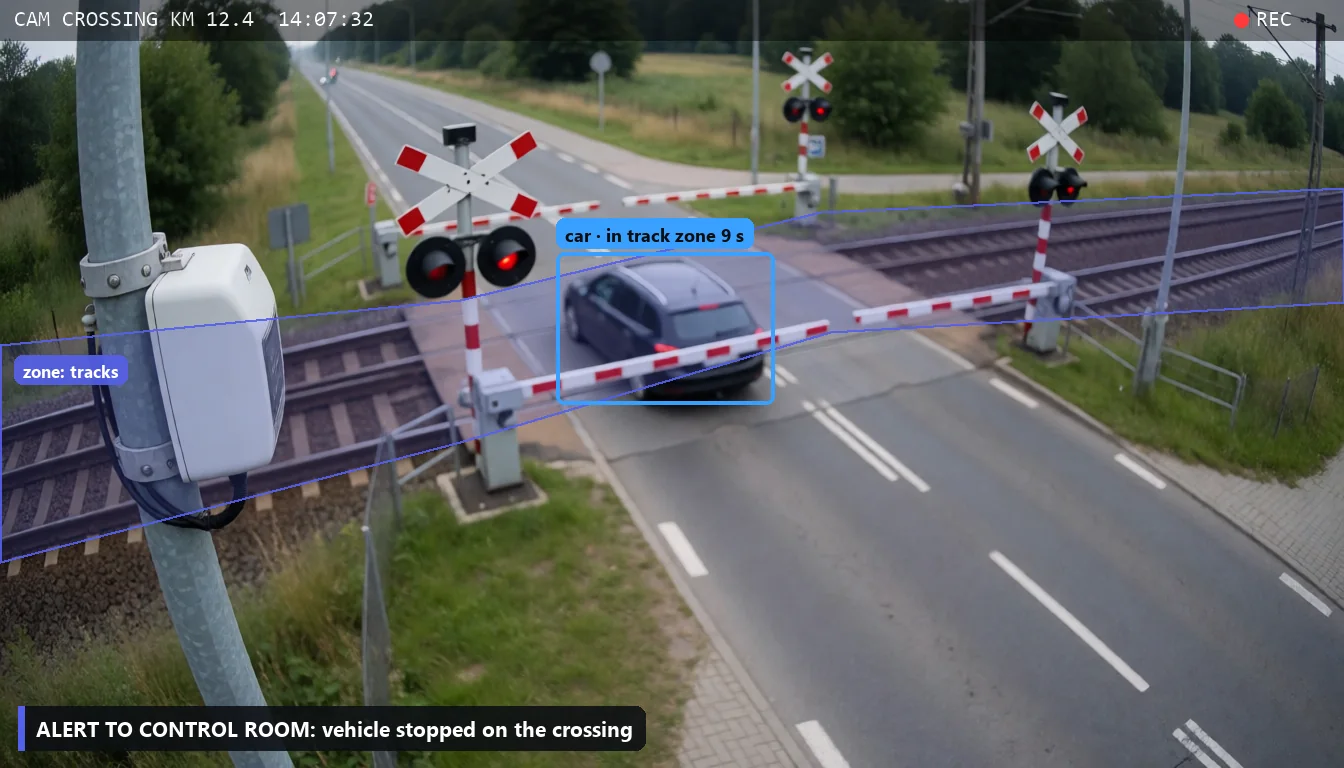
A vehicle on the crossing, a person in the track zone, sidings after hours.
Read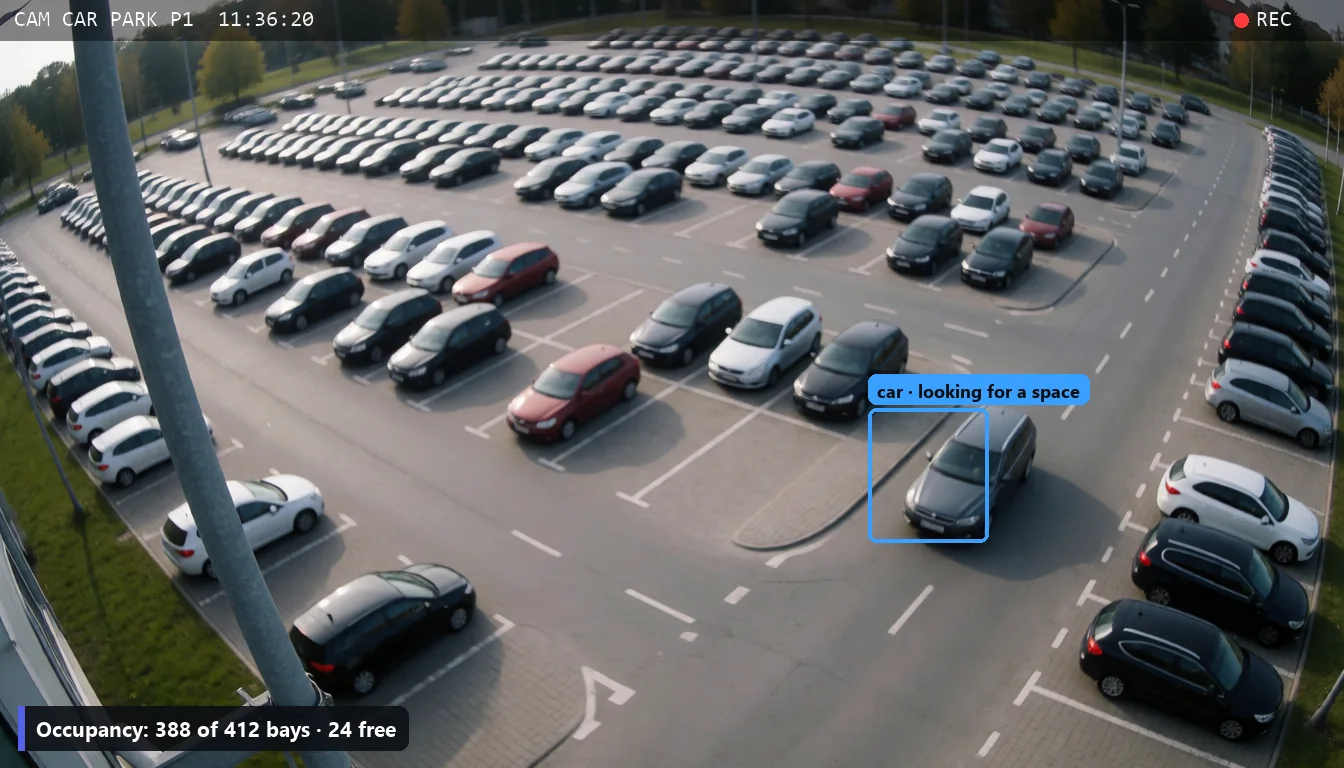
Free spaces and congestion counted from the cameras already in place.
Read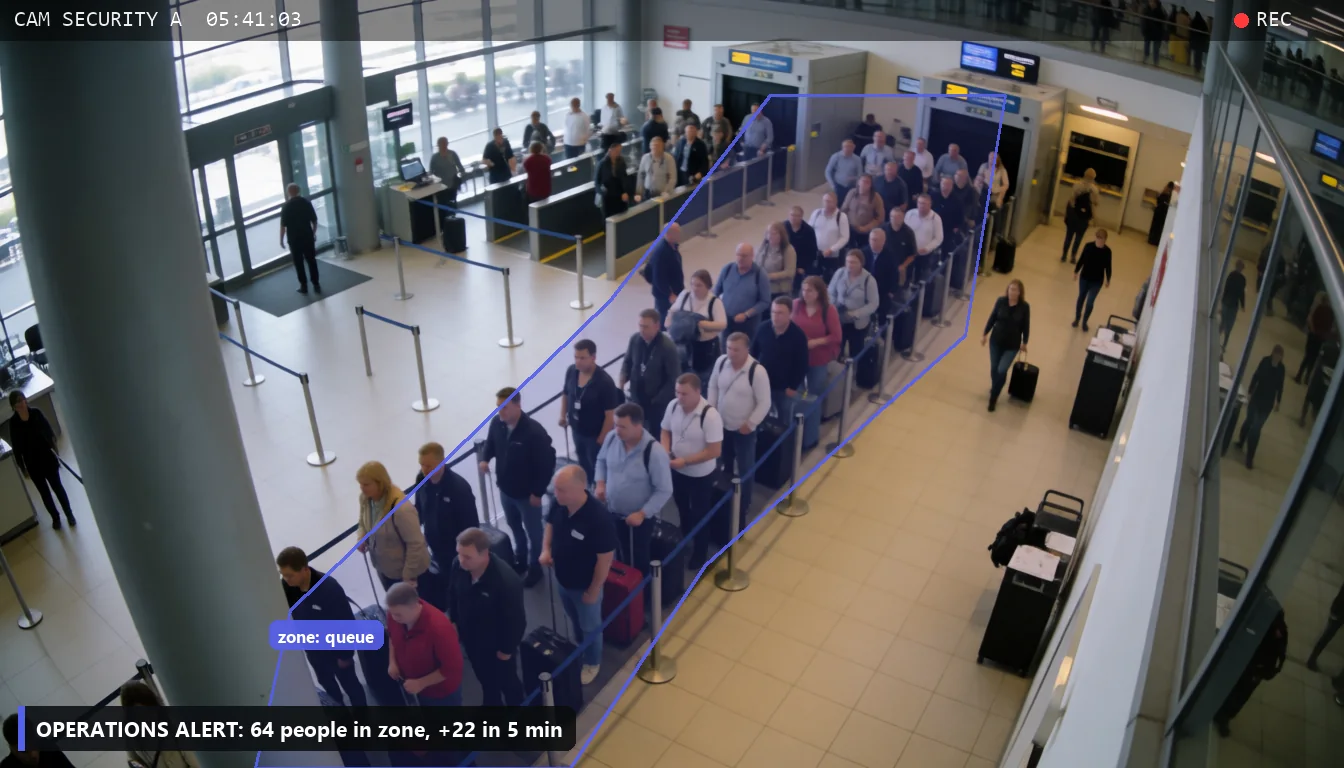
Queues at security and check-in, the terminal forecourt, restricted zones.
ReadTell us what to count or recognise and upload a short clip from a camera or a phone. In about two minutes you get it back with boxes, tracks and a counter.
The analysis is powered by GOKON v1 — our own vision model, trained specifically for outdoor events: yards, streets, car parks and squares. It recognises people, vehicles and objects in difficult, changing light — without facial identification.
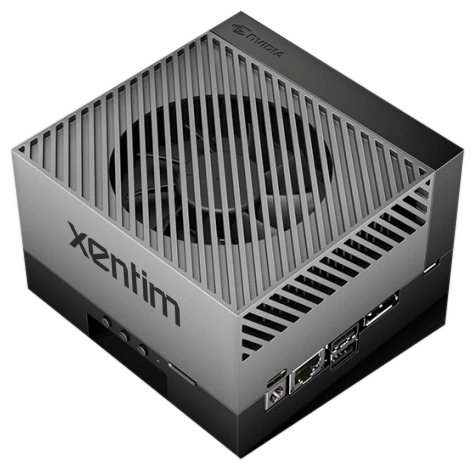
Xentim is a device connected to your network. It reads the video from the cameras and recorder you already have and analyses it on site. Analysis and search do not need an internet connection.
A short phone call: what your site is, which cameras you have and what the problem is today. If you like, we show Xentim on your own footage.
We review your cameras and how you work, and point out where the system will actually save time or filter out alarms. Where it will not pay off, we say so.
We connect it to your existing cameras and set the parameters: zones, events, and who receives alerts and reports.
The system runs and gathers events from your cameras. This is the material we measure its accuracy on.
We analyse the collected data and detected events, then tune the model and thresholds. You get a report: how many alerts were correct before and after tuning.
No. Xentim connects to the video your cameras and recorder already make available on the network. If you have older analogue cameras, the recorder they are plugged into is usually enough.
No. Analysis and search run on a device in your network and do not require an internet connection. Footage is never sent outside. Only the people you grant access to can see the results.
If you want the daily report or alerts by email or messenger, the device sends them over an encrypted outbound connection. Only the report leaves: numbers, a short summary and event thumbnails, never the footage. You can also opt out and read reports on your local network only.
We do not identify people. The system recognises that a person or a vehicle is in the frame and describes its appearance and route. We can blur faces and number plates in the results.
That depends on the movement in frame and the hardware chosen. We give you the exact number after the two-week trial, based on measurements on your cameras.
Xentim is an AI video analytics device that connects to the cameras and recorder you already have. It runs locally, without the cloud. You can search recordings with a plain sentence, get live alerts and receive a daily report.
IP cameras and recorders that make their video available on the local network, most often as an RTSP stream. The camera brand does not matter. We check compatibility with your equipment during the demo, before you buy anything.
In-camera analytics detect motion or line crossing in a single camera. Xentim describes every object (type, colour, route, time in frame) across all cameras at once and lets you search recordings with a sentence, for example “white van at the loading dock”. You do not need to replace your cameras.
Xentim does not identify people and does not recognise faces, the footage stays on a device in your network, and faces and number plates can be blurred in results. You remain the controller of the CCTV data and the scope of monitoring does not change.
That depends on camera placement, lighting and the rules. This is why during the two-week trial we measure on your footage how many alerts the system sends and how many are correct, and then tune the model, zones and thresholds to your site.
We start with a call and an audit of your site. Connecting the device and setting the parameters usually takes one day. Then for two weeks we collect data, tune the model and hand over a measurement report, after which you decide about permanent operation.
Yes. You can upload a short clip on this page and see the analysis result, and the full demo runs on footage from your cameras.
We prepare a quote after the call and the audit, because it depends on the number of cameras, the amount of movement in frame and the hardware chosen. The demo is free.
Xentim is built by a team from Poznan, Poland. The product is offered by TATO STUDIO sp. z o.o., ul. 28 Czerwca 1956 r. 174/28, 61-507 Poznan, Poland.
The demo takes 45 minutes and runs on your own footage.
We are a team from Poznan that has worked professionally with images for years, and for the last few with artificial intelligence models that understand video. We build and test Xentim on our own cameras before we show it to a client.
CCTV records everything, but almost nobody watches the recordings. When something happens, someone loses a day scrubbing through footage. We want the answer to the question of what happened to take a minute.
Pick a slot. 45 minutes online, shown on your own footage.
Prefer to write? contact@xentim.com